Finding Products
There are several ways to find products on our e-shop
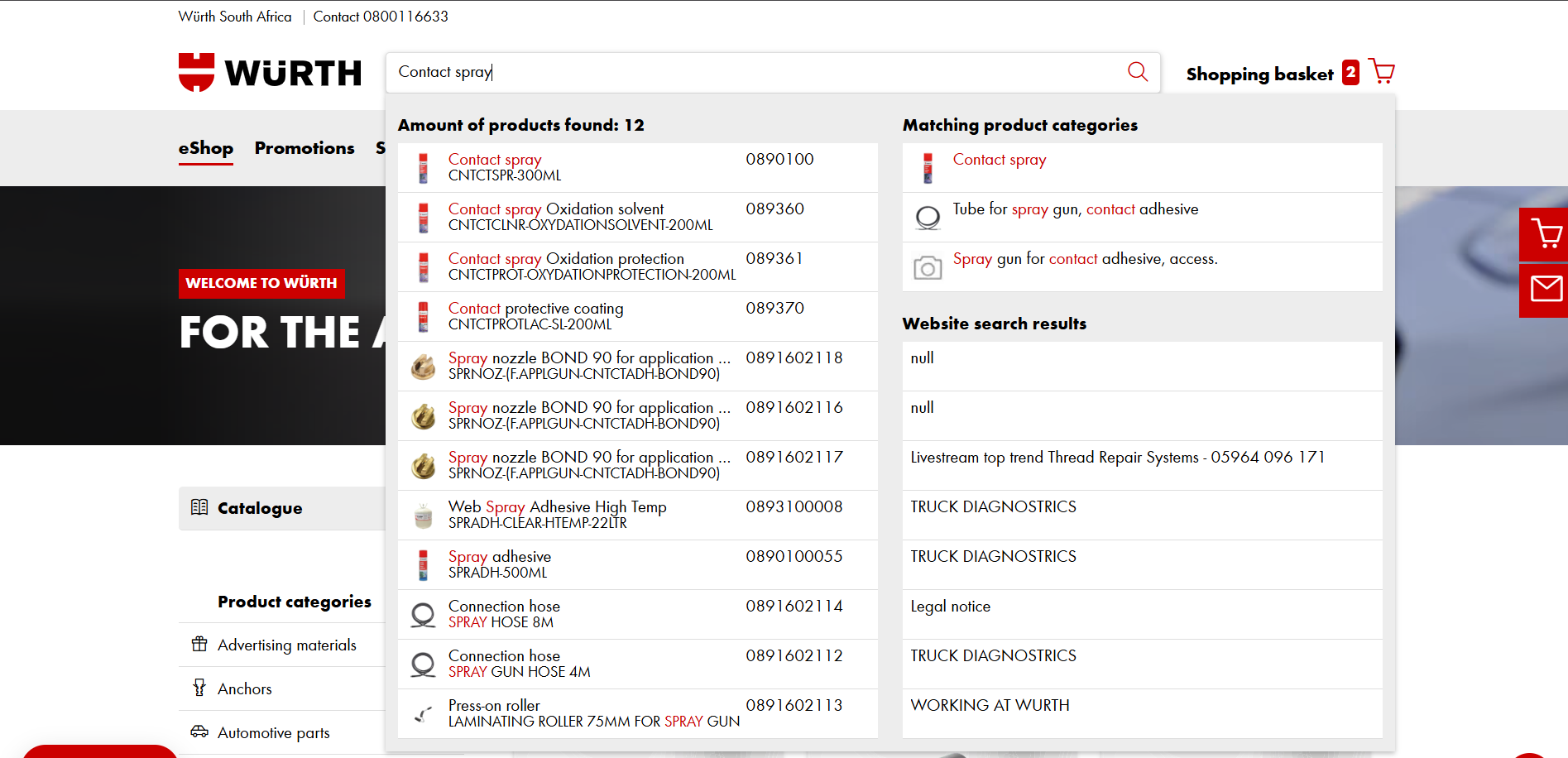
You can search for the products using the products name
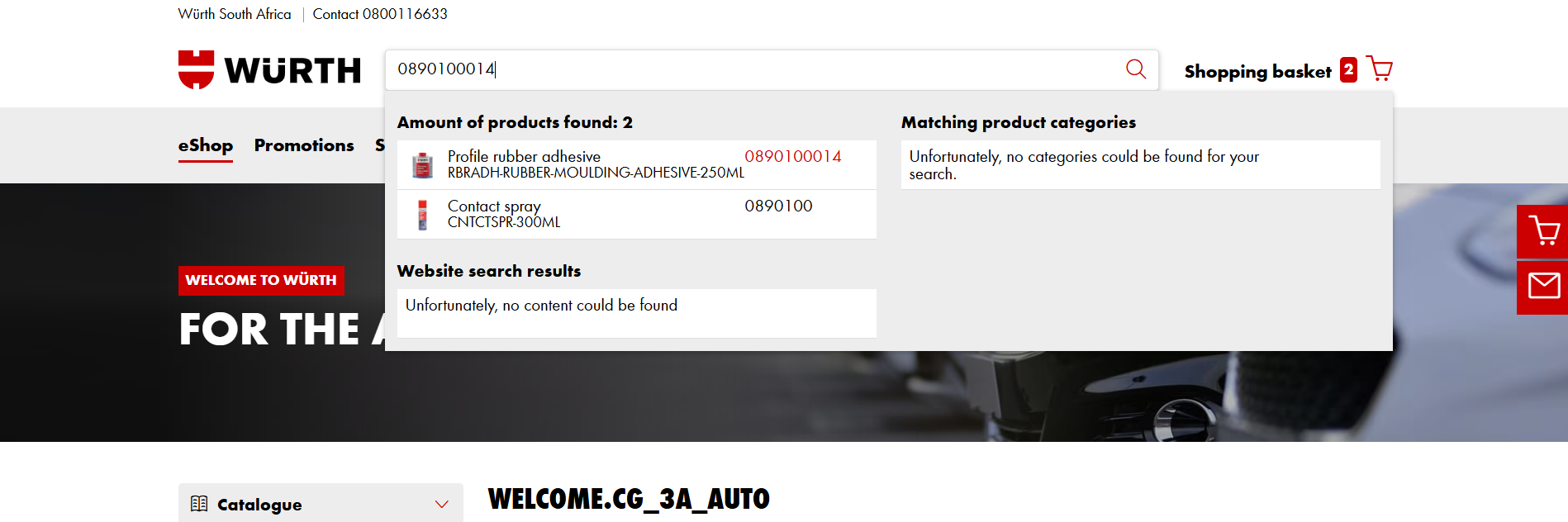
Alternatively you can search using the products article number
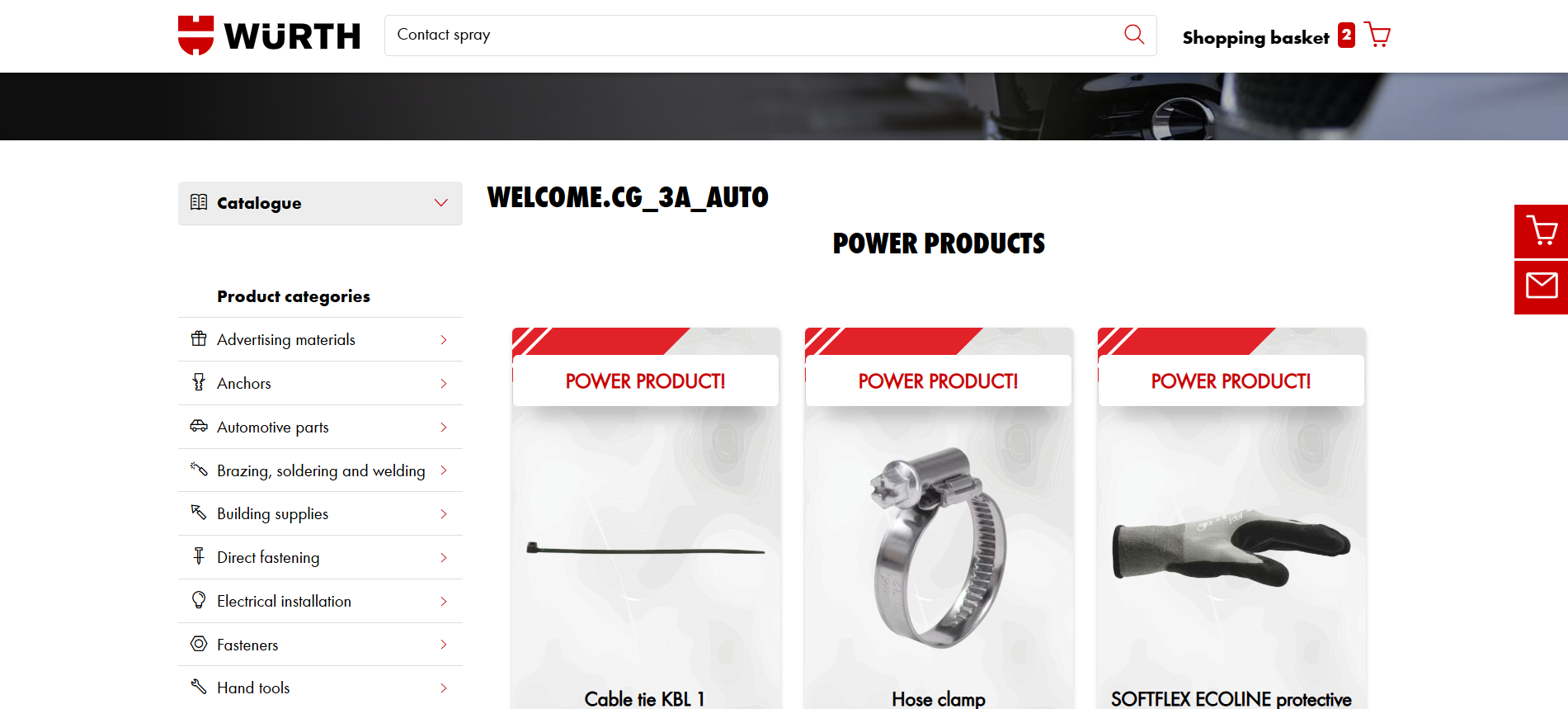
You can also click the different product categories to find product
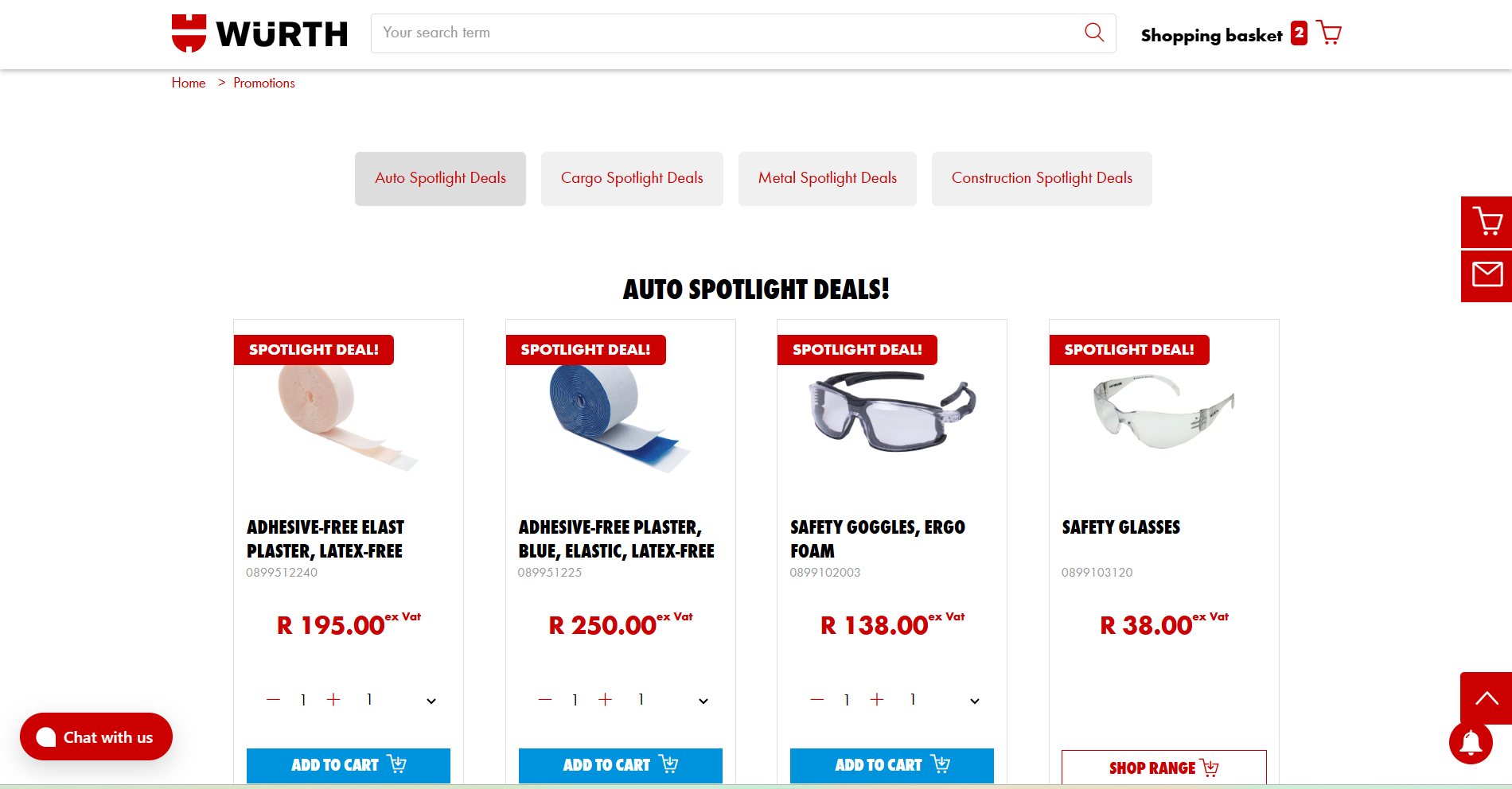
The promotions page has the monthly focus products that are updated regularly
<style> @font-face { font-family: 'Wuerth Extra Bold Condensed'; / Assuming the file is named wuerthextraboldcond_webfont3.woff2 / src: url('https://connect.apps.onasik.co.za/static/fonts/wuerthextraboldcond_webfont3.044e6f7bd361.woff2'); font-weight: normal; font-style: normal; font-display: swap; } img { border: 4px solid #CC0000; box-shadow: 4px 4px 10px rgba(0,0,0,0.3); } @font-face { font-family: 'Wuerth Book'; / Assuming the file is named wuerthbook_webfont3.woff2 / src: url(https://connect.apps.onasik.co.za/static/fonts/wuerthbook_webfont3.6ef4245a256a.woff2'); font-weight: normal; font-style: normal; font-display: swap; }
@font-face { font-family: 'Wuerth Bold'; / Assuming the file is named wuerthbold_webfont3.woff2 / src: url('https://connect.apps.onasik.co.za/static/fonts/wuerthbold_webfont3.aeb3b650d31e.woff2'); font-weight: bold; / Kept as bold, adjust if the font file itself is just normal weight / font-style: normal; font-display: swap; } body { font-family: 'Wuerth Book', sans-serif; / Fallback to sans-serif / font-size: 16px; }
h1, h2, h3, h4, h5, h6 { font-family: 'Wuerth Bold', sans-serif; / Use bold for headings / / You might use 'Wuerth Extra Bold Condensed' for specific headings / }
/ Optional: Use Wuerth Bold for strong/b tags / strong, b { font-family: 'Wuerth Bold', sans-serif; font-weight: normal; / Reset default bold if the font itself is bold / } blockquote { border-left: 5px solid #cc0000; } </style>